
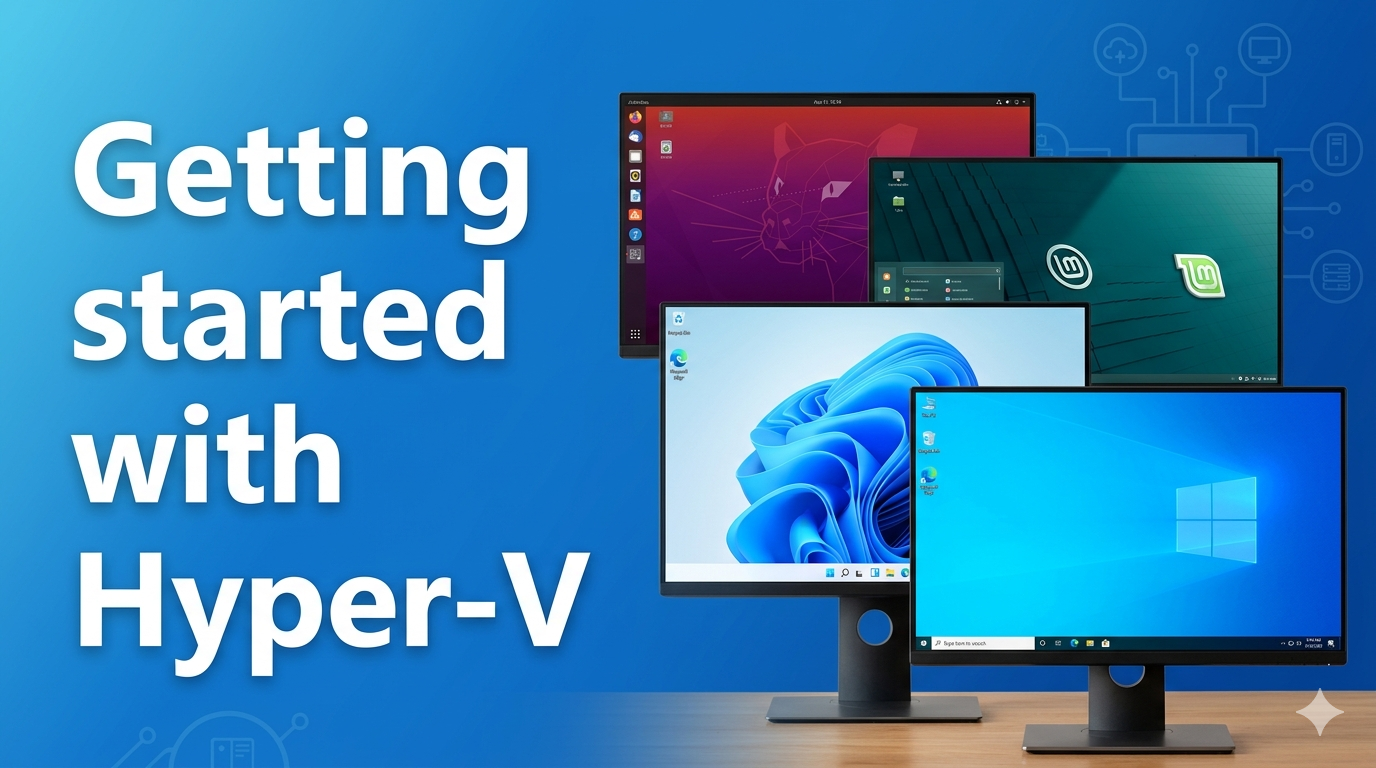
In this demo, I show you how to get started with Hyper-V. You will learn how to enable Hyper-V in Windows 11, create virtual switches and deploy your own Virtual machines all from your Windows Desktop.
In this demo, I show you how to get started with Hyper-V. You will learn how to enable Hyper-V in Windows 11, create virtual switches and deploy your own Virtual machines all from your Windows Desktop.
